
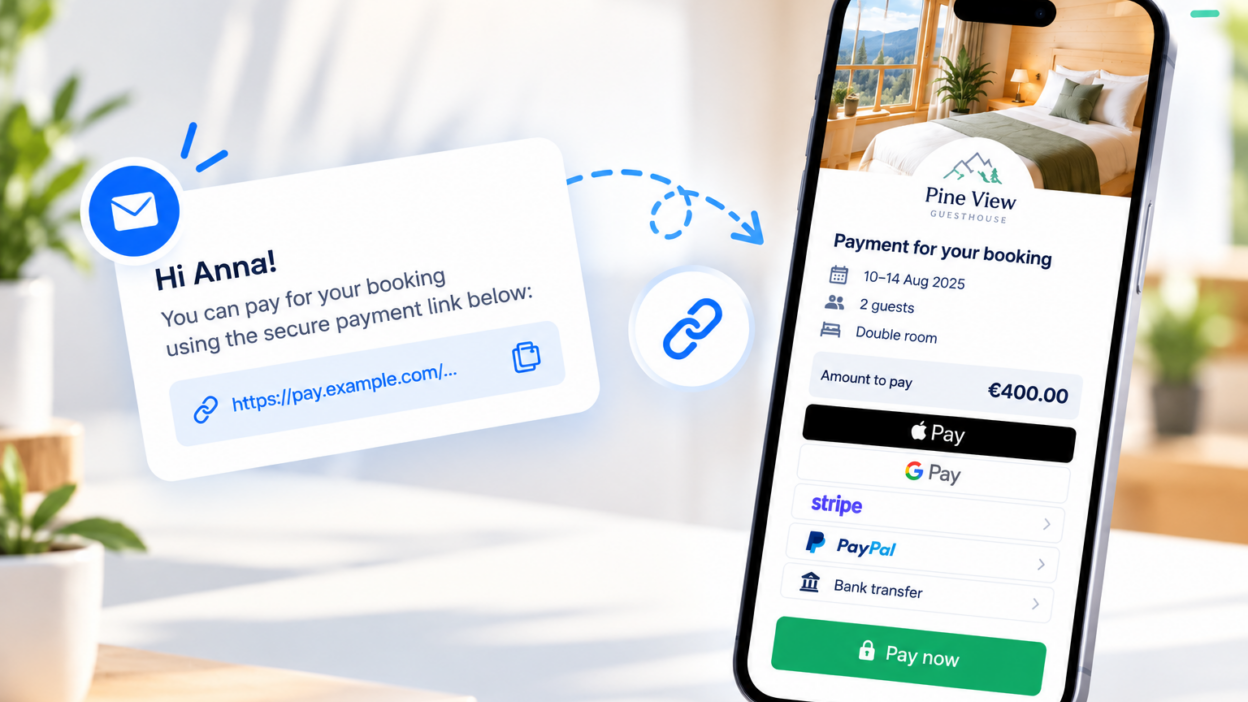
The reservation is already in the calendar. The date is set, the price is known. There is still the payment to be made.
And it is here that additional work begins in many cases: the notification with the amount, the account number, a reminder, verification of the transfer, and matching the payment to the correct reservation.
That is why mobile-calendar appears links to payments.
You can create a link associated with a specific reservation and the corresponding amount, then send it to the guest manually or use it in automatic message. Thanks to this, the collection of a deposit, a supplement or the full amount can become part of the normal booking process.
Payment without having to manually set everything from the beginning
The simplest scenario looks like this: the guest has to pay a deposit.
Instead of preparing another message with the account number and the amount, you create a link to the payment directly during the booking process. The guest goes to the payment page and completes it online.
The link can relate to the deposit, the supplement or the entire cost of the stay. This way, you don’t have to manually prepare the payment instructions every time.
What is most important, however, is that the link remains associated with a specific reservation.
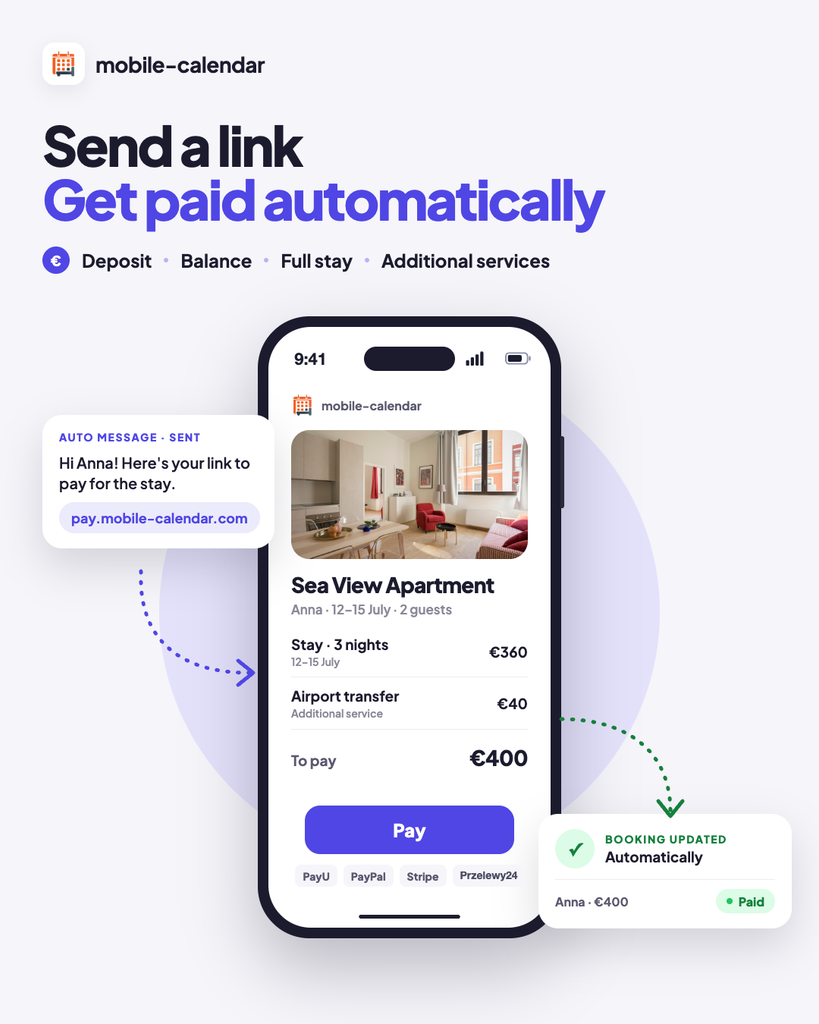
The biggest advantage: the link can be sent automatically
The very possibility of creating a link simplifies the payment process, but only the connection of the link with the automatic messages It really changes everyday work.
In the pre-prepared message template, you can include the appropriate payment link. The guest will then receive it automatically, according to the configured communication scenario.
For example, after making a reservation, they may receive a message with a link to the deposit, and before arrival, another message with a link to the payment of the remaining amount.
As a result, the process looks like this:
reservation → automatic message → payment link → payment → status in the system
The operator does not have to remember every step separately.
You see what happens with payment
When booking, you can check the history of created links and the payment status.
This is important because you don’t just end there: „We sent a message and are waiting”. You see if the link was used and if the payment was completed.
Thanks to this, the billing process does not function separately from the booking; it remains part of the booking process.
One example from everyday work
Let's say that the guest books a stay by phone.
The reservation is sent to mobile-calendar and requires a deposit payment. The system sends a pre-prepared message with a link to make the payment.
The guest pays the deposit online.
Before arrival, they may receive another automatic message with a link to settle the remaining amount of the bill.
For the guest, this is a simple process. For the staff, it means less manual typing of messages and less checking to see if the appropriate amount has already been deposited.
Payment as part of the booking service
The new feature therefore does not just involve creating another payment method.
Its greatest value lies in the fact that payment can be linked directly to the reservation and communication with the guest.
The link can be created for the appropriate amount, sent manually or automatically, and its status remains visible in the mobile-calendar.
This is a simpler way to process payments and subsidies without adding additional manual steps.
Payment links are now available in mobile-calendar
New feature in mobile-calendar It allows you to create links for specific reservations, use them in automatic messages, and control the payment status without leaving the system.
Find out more in our documentation: https://docs.mobile-calendar.com/en/guides/reservations/payment-links/payment-links-configuration